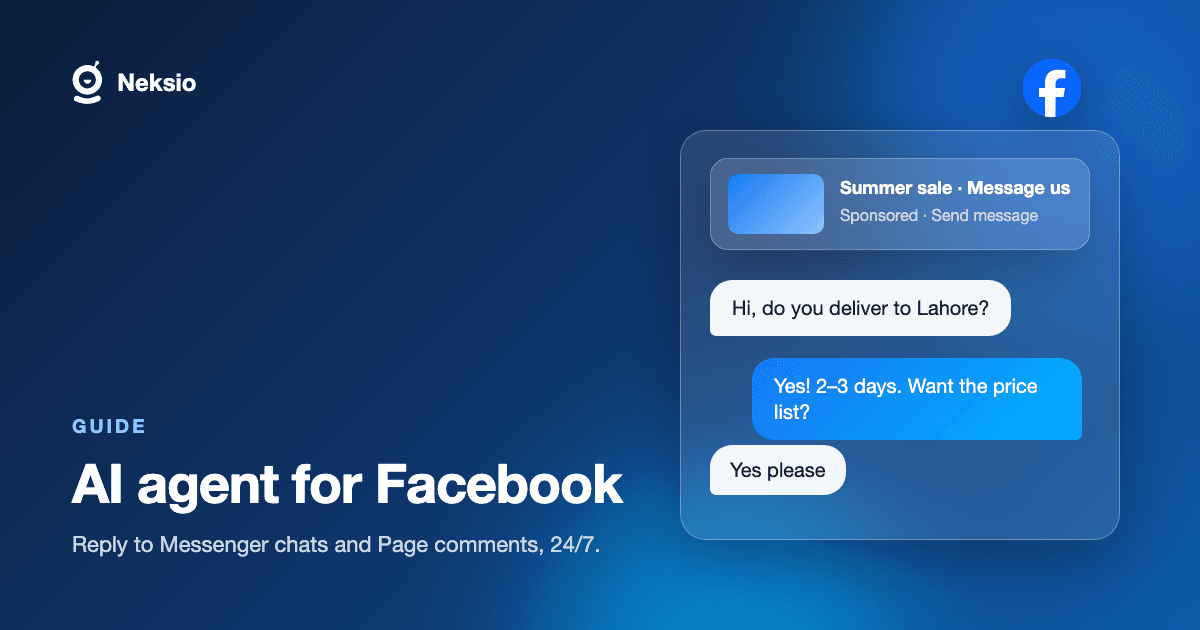
A Facebook Page can look quiet and still be busy. Messenger fills up with the same questions, comments pile up under every post, and ads you paid for send people straight into a chat that nobody opens until morning.
A Facebook AI agent answers those messages and comments for you, from your own business information, at any hour. This guide covers what it handles, why click-to-Messenger ads are the strongest reason to use one, and how to set it up without code.
Why response time matters on Facebook
People message a Page expecting a quick answer, and they message several businesses at once. The first one to reply usually gets the conversation. Facebook also shows responsiveness on your Page, so a slow reply is visible to everyone who looks.
- Questions repeat: hours, price, delivery, availability, returns.
- Volume spikes after a post or an ad starts performing.
- Messages arrive in the evening and at weekends, when nobody is staffed.
- A slow first reply is public, and it costs trust as well as sales.
What a Facebook AI agent does
- Answers Messenger conversations from your catalogue, policies and FAQs.
- Replies to comments on your Page posts, publicly or by moving the person into Messenger.
- Captures leads by asking the qualifying questions your team already asks.
- Answers new conversations from click-to-Messenger ads the moment they arrive.
- Passes sensitive or unusual conversations to a person with the whole thread attached.
Click-to-Messenger ads: the biggest leak
With a click-to-Messenger ad, you pay for the person to start a chat. If nobody answers for hours, you have paid for attention and then thrown it away. An agent replies on arrival, asks the first qualifying question, and keeps the person engaged until a human is free, if one is needed at all.
If you run these ads, this is usually the first place an agent pays for itself, because the cost of every unanswered click is something you can see in your ad spend.
Setting it up without code
- 1Add your knowledge: upload FAQs, product details, delivery and return policies.
- 2Set the tone and the handoff rules.
- 3Test the agent in the builder using real questions from your Page inbox.
- 4Connect your Facebook Page through Meta's official API.
- 5Go live, then review conversations and fill any gaps in the knowledge base.
You need to be an admin of the Page you are connecting. The Facebook connection is typically the quickest of the three Meta channels to launch.
Limits worth knowing
Keep complaints, refunds and anything sensitive with a person. A good agent says it does not know rather than guessing, and hands the conversation over. Use it for the repeat questions that make up most of your inbox, and keep your team for the conversations that need judgement.
You can run the same agent on WhatsApp and Instagram from one knowledge base. See one AI agent for WhatsApp, Instagram and Facebook, the AI agent for Instagram guide, or the WhatsApp AI agent guide.
No card needed. Or read the Facebook AI agent page for the full capability list.
Frequently asked questions
- What is an AI agent for Facebook?
- It is software that reads your Messenger conversations and Page comments, understands what the person wants, and replies using your own business information. It handles new questions and hands over to a person when it should.
- Can it reply to Facebook comments?
- Yes. It can answer comments on your Page posts and move longer questions into Messenger.
- Does it work with click-to-Messenger ads?
- Yes. It answers conversations that start from an ad as soon as they arrive, so paid clicks are not left waiting.
- Is it free?
- Building and running an agent on Neksio is free. Premium is $11.99/month and adds Shopify selling, Google Review replies and conversation analysis.
- Do I need to code?
- No. The agent is built in a visual no-code builder, and you connect your Facebook Page through a guided flow.