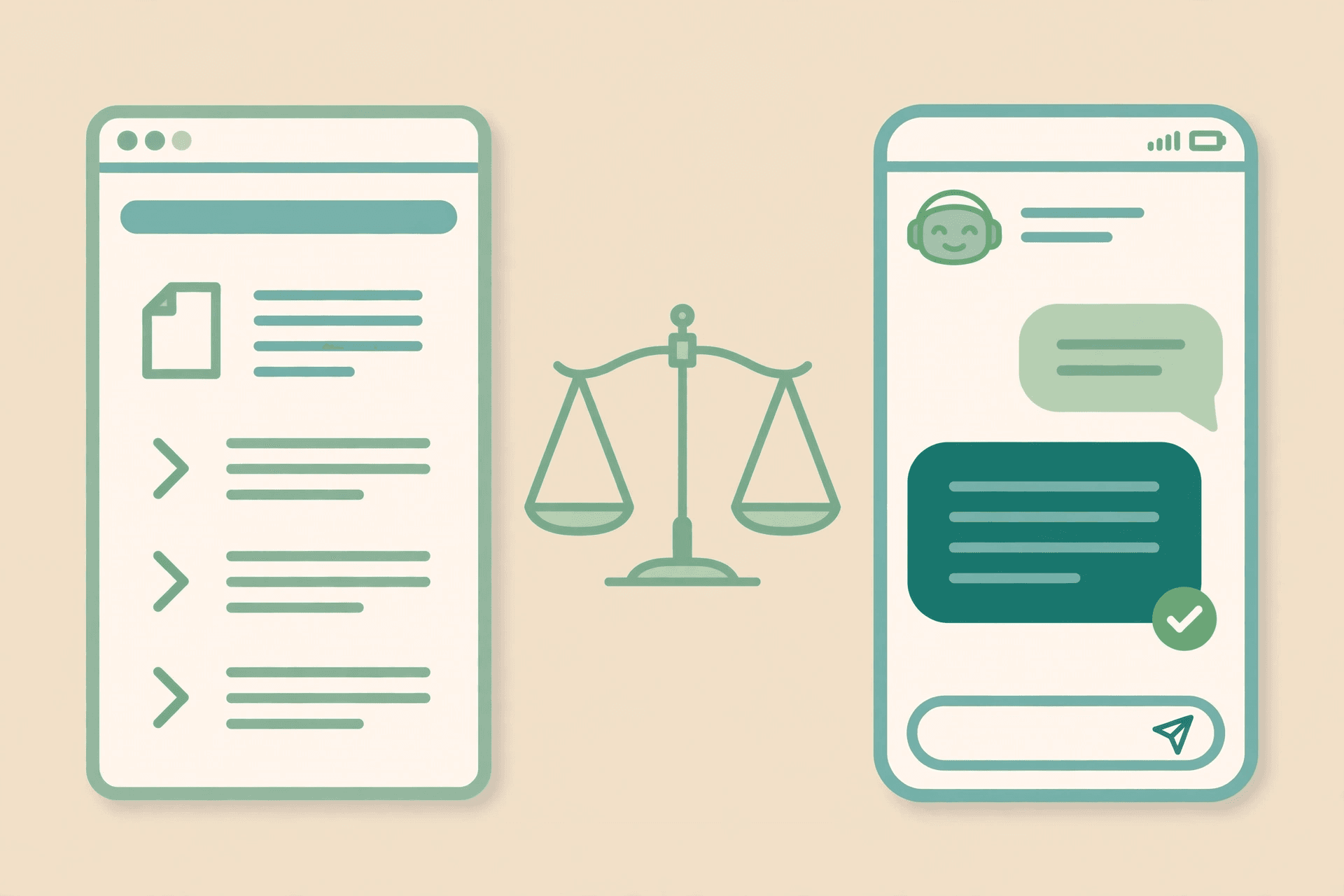
AI chatbot vs FAQ page is a question almost every small business asks in the wrong order. The usual version is: should I replace my FAQ page with a chatbot? The better version is: which shape answers this question best? A FAQ page and a chatbot answer the same questions — opening hours, prices, delivery, returns — but they answer them in different shapes. A page is a document the customer reads. A chatbot is a conversation the customer has. The page is fast for a customer who already knows what to ask. The chatbot is fast for a customer who only half knows what to ask, and needs the answer shaped to their situation. Neither shape is the other one with better marketing. The comparison only makes sense once you see what each one actually is, and this article works through exactly that: where the page still wins, where the chatbot wins, the hybrid that keeps both, what each one costs in time and money, and the migration path that starts with the page you already have.
A FAQ page is a document; a chatbot is a conversation
A FAQ page is a list of questions a business has already answered, published where anyone can read them without asking. Its strength is that it is finished: the answer is written, checked, and the same for everyone. A customer who lands on it can scan ten answers in a minute, find the one they need, and leave without talking to anyone. Its weakness is exactly the same property: it is finished. It cannot ask what the customer meant, it cannot adjust the answer to the customer's order, and it cannot notice that the question the customer typed is not the question they meant to ask. If the answer is not on the page, the page has nothing more to offer — the customer either searches again or gives up.
An AI chatbot is the same knowledge, delivered as a conversation. The customer asks in their own words — including the messy, misspelled, half-finished version — and the chatbot answers from the business's own documents, then follows up: which product, which date, which order number. When the question needs a person, it hands the thread over with the conversation so far attached. Its strength is that it adapts: the same question gets a different answer for a customer asking about tomorrow's delivery and a customer asking about a return from last month. Its weakness is that it is a living system, not a finished document. It needs a trusted source to answer from, someone to keep that source current, and a clear rule for what happens when it does not know. A chatbot answering from a stale document is worse than a FAQ page — the page at least looks finished.
How the chatbot's answers are built from your own documents is explained in the knowledge-base guide, and what the handover to a human looks like in the human handoff guide.
When the FAQ page still wins
The FAQ page wins whenever the question is simple, stable, and the same for everyone. Opening hours, the address, the delivery areas, the return window, the price of the standard service — facts that do not change with the customer and do not change often. A page answers these faster than any conversation can, because there is no conversation: the customer reads one line and is done. It also wins the customer who prefers reading to talking. Plenty of customers would rather scan a page in silence than open a chat window and type a greeting. For those customers the chatbot is not an improvement; it is a hurdle placed between them and a one-line answer.
The page's second win is search. A FAQ page is a web page, and search engines can read it, index it, and send people to it — a customer searching for your return policy can land directly on the answer, without ever visiting your homepage. A chatbot conversation is invisible to search: nobody finds your business by searching a chat that happened in private. If a question is one people search for before they know you exist, the answer belongs on a page. The page's third win is cost. A FAQ page costs nothing to run: write it once, host it with the rest of your site, and it answers forever until the facts change. For a business with a handful of questions a week, that is not a compromise — it is the right answer, and a chatbot would be a monthly bill solving a problem that barely exists.
There is a fourth, quieter win: the page is auditable. Anyone on the team can read the whole thing in five minutes and see exactly what the business tells its customers. A chatbot's answers are spread across hundreds of conversations, and checking them means reading transcripts. When the facts are few and the stakes are high — prices, medical information, legal terms — the document you can read end to end is the safer shape.
When the chatbot wins
The chatbot wins the moment the question has a follow-up. A customer asks about delivery, and the real question is delivery to their postcode, for an order they already placed, arriving before a date that matters to them. A FAQ page can state the delivery policy; it cannot apply the policy to that customer's order. A chatbot can: it asks for the order number, checks the details, and answers about this delivery, not delivery in general. Every question with a that-depends-on-you in it belongs to the chatbot, and those are the questions that fill a support inbox — because the customer already read the page, and the page did not answer their version of the question.
It wins after hours for the same reason. A FAQ page is available at 2 a.m., but it can only repeat what it says. A chatbot is also available at 2 a.m., and it can hold the conversation: take the booking, check the availability, confirm the appointment, and leave the thread ready for a human in the morning. For a business whose customers message in the evening — a clinic, a restaurant, a salon, an online shop — that is the difference between a question answered and a customer who went elsewhere by morning. And it wins on volume: when the same twenty questions arrive fifty times a day, a page does not reduce the work, because the customers who needed a conversation still message you. The chatbot absorbs the routine half of those conversations and leaves the team the half that actually needs a person.
It also wins where the customer already is. A FAQ page waits on your website for the customer to come and find it. A chatbot on WhatsApp meets the customer in the app they already open, in the thread where they already talk to you. The customer who messages “is this in stock?” does not want to be sent to a page — they want the answer in the chat they are already in. That is the shape of most small-business support now: not a visitor reading a page, but a customer messaging a number.
The hybrid that beats both: your FAQ page becomes the chatbot's brain
The comparison has a wrong ending — picking one and deleting the other — and a right one: keep the page, and let the chatbot read it. The hybrid works because the two shapes share a single source. The FAQ page is the document the business trusts: the answers, written once, checked by a human, kept current. The chatbot answers from that same document, so every reply it gives is a reply the business has already approved in writing. The customer gets both surfaces: the reader scans the page, the messenger chats with the bot, and neither of them is told an answer the other one cannot see.
This only works if the page is written to be read by both audiences. A FAQ page written as a wall of paragraphs is hard for a customer to scan and hard for a chatbot to quote accurately. The fix is the same for both: one question per section, a direct answer first, the detail after, and the same wording the customer would actually use. A page structured that way serves the search engine, the skimming reader, and the chatbot at once — three audiences, one document, no extra work.
How to write a page that works for both is covered in the FAQ structure guide, and the step-by-step build in the FAQ automation guide.
The cost and effort question, honestly
A FAQ page is cheap twice over: cheap to build and cheap to keep. Writing it is an afternoon's work for a small business — list the questions customers actually ask, write the answers, publish. Keeping it is occasional: change the price, change the line. The cost it never stops charging is the customer's time: every customer whose question the page cannot answer still has to message you, and that message still takes a human's minutes.
A chatbot costs more to start and more to keep, and it should be judged on what it returns. Starting means more than switching something on: connecting it to your documents, setting the tone, deciding what it must never guess at, and deciding when it hands over. Keeping it means the upkeep loop — when a price changes, the source document changes the same day, or the chatbot keeps quoting the old price with total confidence. The return is the routine conversation it absorbs: the questions that used to take a team member's morning, answered in seconds, at any hour. A chatbot that answers from a document nobody maintains is a liability, not a saving.
Illustrative example: a clinic counting the trade-off
Take a small dental clinic — the figures below are illustrative, for the method only; replace them with your own numbers before deciding anything. Suppose the clinic's FAQ page answers the five most common questions, and suppose thirty customers a week still message because their question has a follow-up: is there an appointment on Thursday, what does a cleaning cost for a new patient, can they come without booking. Suppose each of those messages takes a receptionist a few minutes, and suppose the chatbot resolves most of them from the clinic's own documents — availability, prices, walk-in rules — leaving only the few that need a person. The page cost an afternoon to write and costs nothing to run; the chatbot costs a monthly plan and an hour a month of upkeep. The question is not which is cheaper — the page always is — but whether the hours the chatbot returns are worth more than the plan costs. Run it with your own message count, your own minutes per message, and your own plan price; the answer flips with volume, and that is the point.
The migration path: page first, chatbot second
If you have neither, build the page first. It is the cheaper step, it is the source the chatbot will need anyway, and it starts paying back the day it is published — in search traffic and in customers who find their answer without messaging you. If you already have a page, the migration is a sequence, not a switch.
- 1Audit the page against the questions customers actually ask. Keep the questions that still arrive by message — those are the ones the page is failing — and rewrite the page's answers in the customer's own words, one question per section, answer first.
- 2Count the follow-ups for one week. Tally every message that arrived because the page could not answer the customer's version of the question. That tally is your chatbot's first job description, and it tells you whether the volume justifies a plan at all.
- 3Connect the chatbot to the page as its source, not to a second document. One source means one place to update when a price or a policy changes, and it means the chatbot can never contradict the page.
- 4Set the handover rule before the first real customer arrives: the questions the chatbot must never answer, and the words it uses to hand over. A chatbot that guesses at prices or medical advice is worse than no chatbot.
- 5Keep the page live and keep it first for simple facts. The chatbot is the second surface, not the replacement — and the page keeps earning search traffic the chatbot can never earn.
- 6Review the transcripts monthly. The questions the chatbot could not answer are the next section of the page; the answers it gave wrong are the next edit. The page and the chatbot improve each other, and the review is what makes that happen.
Notice what this path never does: it never deletes the page. Businesses that replace the page with a chatbot lose the search traffic, lose the customers who prefer reading, and lose the single document their team can audit. The page is the foundation; the chatbot is the conversation built on it.
The decision rule: match the shape to the business
The comparison settles fastest when you sort by the questions you actually get, rather than by the technology.
- Few questions, all simple and stable — a portfolio site, a freelancer, a business with a handful of enquiries a week: the FAQ page alone. A chatbot would be a monthly bill for a problem that barely exists.
- Simple questions plus a steady stream of follow-ups — a clinic, a salon, a restaurant, a repair shop: the hybrid. The page answers the facts; the chatbot handles the this-order, this-date, this-person version, and hands over the rest.
- High volume of repeat questions — an online shop, a course, a service with hundreds of customers: the chatbot first, the page kept as its source. The volume is what pays for the plan, and the page is what keeps the answers trustworthy.
- Questions people search for before they know you — prices, policies, how-it-works: the page first, always. Search traffic only ever lands on a page, and a chatbot cannot replace that.
- Customers who message you on WhatsApp already: the chatbot, on WhatsApp. The customer has already chosen the channel; the choice is whether they get an answer in it or a link to a page they did not ask for.
What a chatbot costs on Neksio
On Neksio, the Free plan covers 100 AI replies a month on WhatsApp — enough to test the hybrid on your own customers: keep the FAQ page, connect the chatbot to it, and see how many of the follow-up messages it resolves before you spend anything. Starter at $12.99 a month covers 5,000 replies, Growth at $16.99 a month covers 15,000 replies and adds Facebook and Instagram, and Scale at $29.99 a month is unlimited replies with your own key, plus done-for-you onboarding. No plan needs code, every plan runs on the official WhatsApp API, and no plan sends bulk messages — Neksio answers the customers who message you, one conversation at a time.
100 AI replies a month on WhatsApp, no credit card. Connect your FAQ page as the source and let the chatbot answer the follow-ups — while the page keeps earning search traffic. Full detail on the pricing page.
Frequently asked questions
- Should I replace my FAQ page with an AI chatbot?
- No — keep the page and let the chatbot read it. The page wins on simple facts, search traffic, and customers who prefer reading; the chatbot wins on follow-ups, personalised answers, and after-hours conversations. The hybrid uses one source — the page — for both surfaces, so the chatbot can never contradict what the page says.
- Is a FAQ page or a chatbot cheaper?
- The FAQ page is always cheaper: write it once and it costs nothing to run. A chatbot costs a monthly plan plus upkeep, and it is worth it only when the volume justifies it — when the same follow-up questions arrive often enough that the hours it returns are worth more than the plan. For a handful of questions a week, the page alone is the right answer.
- Can a chatbot answer from my existing FAQ page?
- Yes — that is the recommended setup. The FAQ page becomes the chatbot's knowledge source: the chatbot answers from the same document the business has already written and checked. One source means one place to update when a price or policy changes, and the page keeps earning search traffic that a chatbot conversation can never earn.
- What questions should a chatbot handle that a FAQ page cannot?
- Any question with a follow-up in it: delivery for a specific order, an appointment on a specific date, a price for a specific case, a return for a specific purchase. A FAQ page states the policy; a chatbot applies the policy to that customer's situation, asks for the order number, and hands over to a human when the question needs one.
- Does a chatbot hurt my SEO if it replaces the FAQ page?
- Only if you delete the page. Search engines index pages, not private chat conversations, so a business whose answers live only inside a chatbot becomes invisible to search. Keep the FAQ page live for the questions people search for, and let the chatbot handle the conversations that start after the customer has found you.
- What does a chatbot cost on Neksio?
- Free covers 100 AI replies a month on WhatsApp. Starter is $12.99 a month for 5,000 replies, Growth is $16.99 for 15,000 replies plus Facebook and Instagram, and Scale is $29.99 for unlimited replies with your own key and done-for-you onboarding. Every plan runs on the official WhatsApp API and answers customers who message you — Neksio is not a bulk or broadcast tool.