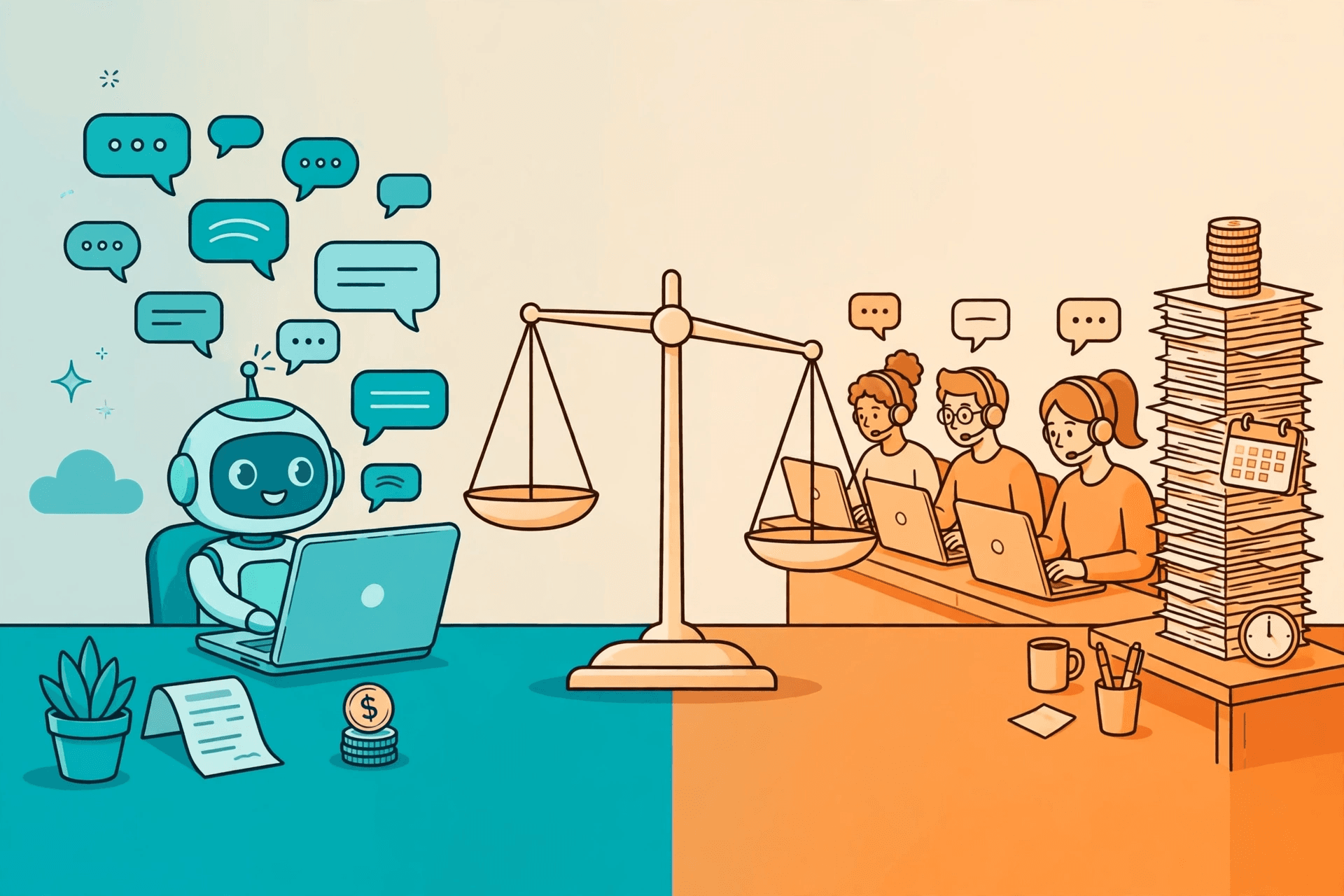
Chatbot vs live chat cost is the question owners ask when they already know they need to answer customers in chat — and it is usually asked the wrong way. The wrong way is to compare a chatbot platform's monthly price against a live chat tool's monthly price and pick the smaller number. Both of those numbers are the smallest part of the bill. The real cost of live chat is people: the hours, the shifts, the coverage gaps, and the training. The real cost of a chatbot is the platform, the message fees underneath it, and the upkeep of keeping its answers right. This article breaks down what each side's bill is actually made of, the hidden costs buyers miss on both sides, the situations where live chat is genuinely cheaper, and the hybrid setup that usually costs least of all.
What a live chat bill is made of
Live chat looks cheap because the software is cheap. A live chat widget can cost less than a lunch a month — and that number is honest, as far as it goes. It stops being the whole story the moment a customer actually writes in, because live chat is a person answering in real time, and people are priced in hours. One agent answers one conversation at a time, maybe two or three if the questions are simple and the agent is quick. So the bill is really a staffing bill: how many hours a day your customers message, how many agents that takes, and what those hours cost your business — whether that is wages, your own time, or the time of whoever is pulled off other work to answer.
Then comes coverage. Customers message in the evening, at weekends, and at 2am — the hours when a small team is not at the desk. Every hour you do not cover is either a customer waiting until morning or an extra shift you have to staff. A single person cannot cover seven days a week, so even a one-person support setup needs a second pair of hands for leave and sick days. And there is a cost that never appears on an invoice at all: training. A new person needs to learn your prices, your policies, your products, and your tone — and needs re-training every time any of those change. A chatbot learns the same changes by having its documents edited, which is a different kind of cost, and usually a much smaller one. None of this makes live chat a bad choice. It makes it a staffing decision, and staffing decisions should be priced as staffing decisions.
What a chatbot bill is made of
A chatbot's bill has three parts, and buyers should ask for all three before signing anything. The first is the platform plan: the monthly subscription for the chatbot itself, which is usually a flat price for a set number of AI replies. The second is the messaging fees underneath it — on WhatsApp, Meta charges per message, and those charges are separate from the platform's price. The third is the setup and upkeep: connecting the number, uploading the documents the bot answers from, and keeping those documents current when prices, hours, or policies change. The third part is where chatbot quotes most often mislead, because a platform that charges for every change — a new price list, a new answer, a new language — has turned its monthly plan into a retainer by another name.
The shape of the chatbot bill is what makes it different from live chat, not just its size. A chatbot's cost barely moves with volume: answering ten customers costs almost the same as answering a hundred, because the work is done by software, not by hours. A live chat bill moves with every message, because every message is somebody's minutes. That is why the comparison flips with volume. At very low volume, the chatbot's flat plan can cost more than the few minutes a human spends answering. At any real volume — dozens of messages a day, most of them the same questions — the flat plan stops growing while the staffing bill keeps climbing. The worked example below shows how to run that comparison with your own numbers.
The per-message side of the WhatsApp bill is explained in the per-message pricing guide, and the full monthly picture — platform plus Meta fees — in the worked chatbot cost examples.
The hidden costs both sides hide
Both sides have costs that never appear in a quote, and the honest comparison counts them. On the live chat side, the biggest hidden cost is the wait. A customer who waits an hour for a reply does not always wait — some leave, some buy elsewhere, some message again and create a second conversation for the same question. The cost shows up as lost sales, not as a line item, which is why it is so easy to ignore. The second hidden cost is inconsistency: two agents give two different answers to the same question, and the business pays for the confusion in refunds, rework, and trust. The third is the after-hours gap — every message that arrives when nobody is at the desk is a customer your business was closed to.
On the chatbot side, the hidden costs are different. The first is stale answers: a bot that still quotes last month's prices is worse than a slow human, because it answers confidently and wrongly. Keeping the knowledge base current is a real, recurring job — small, but not zero. The second is the escalation gap: a bot with no human handoff turns a frustrated customer into a lost one, and the cost of that is the same lost sale as the live chat wait. The third is the setup trap: a chatbot that needs a developer every time it changes is not a cheap chatbot, whatever its monthly price says. The test for both sides is the same — ask what happens when something changes, and who pays for the change.
Illustrative example: running the numbers on your own volume
Take a small business that gets a steady stream of chat messages — the figures below are illustrative, for the method only; replace them with your own message volume and your own costs before deciding anything. Suppose most of those messages are the same questions every day: opening hours, prices, availability, directions, order status. Suppose the business prices the live chat route first: the hours its team spends answering, the evenings and weekends it does not cover, and the time it takes a new person to learn the answers. Suppose it then prices the chatbot route: a flat monthly plan, the per-message fees underneath, and the few minutes a month it takes to keep the bot's documents current. The comparison that matters is not the platform's monthly price against the live chat tool's monthly price — both of those are small. It is the whole cost of answering a month of messages on each side, including the hours, the uncovered evenings, and the changes.
Run it with your own volume and the answer moves. At a handful of messages a week, the human route can genuinely be cheaper — a few minutes of a team member's time beats any subscription. At dozens of messages a day, most of them repeats, the chatbot route pulls ahead, because its cost barely rises with volume while the staffing bill rises with every message. And at the point where the business would need a second person just to keep up with chat, the chatbot is not competing with a tool at all — it is competing with a hire. That is the frame that makes the decision honest: the chatbot's price is not a software price, it is the price of not hiring, and the live chat price is not a tool price, it is the price of the hours.
When live chat is actually cheaper
A chatbot is not always the cheaper answer, and a post that pretends otherwise is selling, not comparing. Live chat wins on cost in three situations. The first is very low volume: a business that gets a few messages a week is paying a subscription to answer questions a team member already answers in minutes. The second is high-value, complex conversations: a customer choosing between two expensive options, or a case that needs judgment across several systems, is a conversation a human resolves in one go and a bot escalates anyway — so the bot adds a step instead of removing one. The third is a business whose team is already at the desk all day for other reasons: if somebody is sitting there anyway, answering the chat is nearly free, and a subscription is an extra cost, not a saving.
There is also a case buyers forget: the business that has not yet got the questions. A chatbot answers from documents — your price list, your policies, your FAQs. If those documents do not exist yet, or the business does not know what its customers actually ask, the first job is not a bot or a chat widget. It is listening to a few dozen real conversations and writing down what customers keep asking. That listening is free, it makes either option work better, and it is the cheapest first step in the whole comparison.
When a chatbot wins on cost
The chatbot wins on cost where three conditions meet: volume, repetition, and hours. Volume, because a flat plan stops growing while staffing grows with every message. Repetition, because the same questions asked a hundred times cost a bot the same as once, while a human pays the minutes every single time. And hours, because customers message when your team is not there, and a bot answers at 2am for the same flat price it answers at 2pm. A business with all three — a clinic fielding the same appointment questions all day, a store answering order-status messages every evening, a salon whose customers book after closing time — is paying for a chatbot with the hours it was already losing.
The clearest signal is the second person. When a business starts thinking about hiring someone — or pulling someone off other work — just to keep up with chat, the chatbot has already won the comparison, because the subscription is being weighed against a salary, not against another tool. The second clearest signal is the repeat rate: if most of your messages are questions you have answered before, you are paying a human to repeat yourself, and a bot repeats for free. If neither signal is true — low volume, varied questions, team already at the desk — live chat is the cheaper honest answer, and the chatbot can wait.
The hybrid that costs least
The cheapest setup is usually neither side alone. It is the bot in front and the human behind it: the chatbot answers instantly, resolves the routine majority, and hands the rest to a human with the full conversation attached. The cost logic is simple. The bot takes the volume — the repeats, the after-hours, the questions a document can answer — at a flat price that does not grow with message count. The human takes the value — the complaints, the complex sales, the judgment calls — and headcount grows only when escalations grow, not with every message. The business stops paying a person to repeat the price list, and stops paying for a bot to guess at a complaint. The speed and quality case for this setup is covered in the
AI agent vs live chat comparison — this post is about the money, and on the money the hybrid wins because each side only pays for what it is good at. The handoff itself is part of the setup, not an afterthought: how the bot decides it does not know, and what the human sees when it hands over, is covered in the human handoff guide.
What chatbot vs live chat cost looks like on Neksio
On Neksio, the Free plan covers 100 AI replies a month on WhatsApp — enough to test the chatbot side of the comparison on your own customers before spending anything: connect the number, upload your documents, and count how many messages the agent resolves. Starter at $12.99 a month covers 5,000 replies, Growth at $16.99 a month covers 15,000 replies and adds Facebook and Instagram, and Scale at $29.99 a month is unlimited replies with your own key, plus done-for-you onboarding. Every plan runs on the official WhatsApp API with a unified inbox for the humans behind the agent, and no plan needs code. Neksio answers the customers who message you, one conversation at a time — it is not a bulk or broadcast tool.
100 AI replies a month on WhatsApp, no credit card. Run it on your real messages for a month and compare the bill against the hours it saved. Full detail on the pricing page.
Frequently asked questions
- Is a chatbot cheaper than live chat?
- Usually, once volume is real — dozens of messages a day, mostly repeats. A chatbot's flat plan barely rises with message count, while live chat costs grow with every message because every message is somebody's minutes. At very low volume, a few messages a week, live chat can genuinely be cheaper, because a team member answers in minutes and any subscription is an extra cost.
- How much does live chat cost a small business?
- The software is the small part — the real cost is people. One agent answers one conversation at a time, so the bill is the hours your customers message, the shifts needed to cover evenings and weekends, and the training every time prices or policies change. Add the hidden costs too: customers who leave while waiting, and inconsistent answers from different agents.
- What are the hidden costs of a chatbot?
- Three: stale answers, when the bot still quotes old prices because nobody updated its documents; the escalation gap, when a bot with no human handoff loses a frustrated customer; and the setup trap, when a chatbot needs a developer for every change. Ask any platform what a change costs and who makes it — that answer is part of the price.
- When is live chat cheaper than a chatbot?
- In three situations: very low message volume, high-value complex conversations a human resolves in one go, and a team that is already at the desk all day for other reasons. If none of those is true — real volume, repeated questions, messages after hours — the chatbot is the cheaper honest answer.
- What is the cheapest way to answer customer chats?
- Usually the hybrid: a chatbot in front and humans behind it. The bot resolves the routine majority at a flat price that does not grow with volume, and humans handle the escalations and judgment calls, so headcount grows only when escalations grow — not with every message.
- How much does a chatbot cost on Neksio?
- Free covers 100 AI replies a month on WhatsApp. Starter is $12.99 a month for 5,000 replies, Growth is $16.99 for 15,000 replies plus Facebook and Instagram, and Scale is $29.99 for unlimited replies with your own key and done-for-you onboarding. Every plan runs on the official WhatsApp API with a unified inbox, and Neksio is not a bulk or broadcast tool.