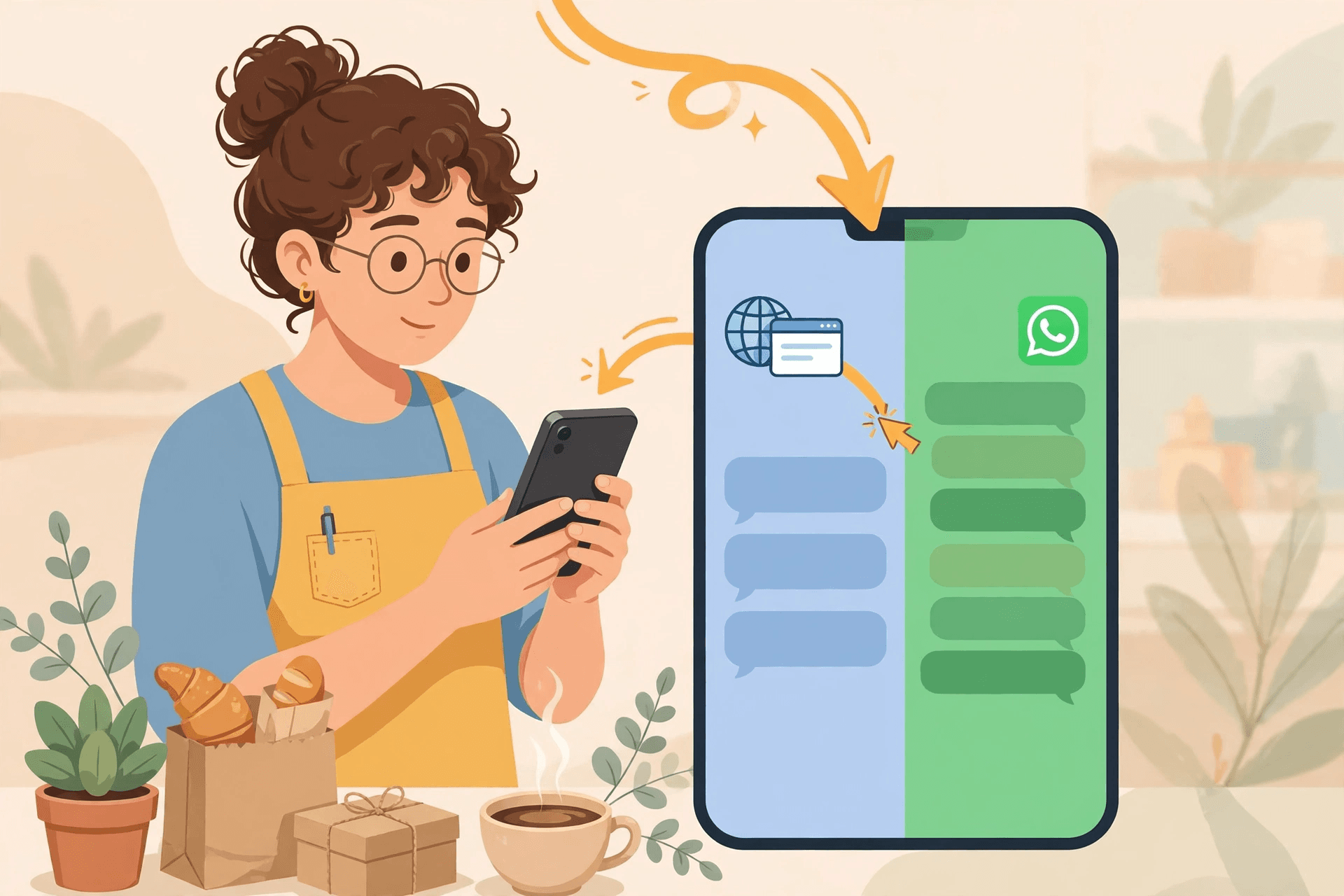
Click to chat vs click to WhatsApp ads sounds like a small distinction, but it decides where your conversations come from. Click-to-chat is the free door: a button on your website, a link in an email signature, a QR code on a receipt — the customer taps and a WhatsApp chat opens. Click-to-WhatsApp ads are the paid door: an ad on Facebook or Instagram whose destination is a chat instead of a website, so a stranger becomes a conversation with one tap. Both end in the same place — a chat your AI agent can answer instantly — but they attract different people, cost different money, and need different handling.
The two doors, defined
A click-to-chat link (often a wa.me link) is something you place wherever customers already meet you: your site header, your order confirmation email, your packaging, your Google Business Profile. Nobody pays per click; the volume depends on your existing traffic. A click-to-WhatsApp ad is something you buy: you set the ad destination to WhatsApp in Meta Ads Manager, write a pre-filled opening message tied to the offer, and pay for each click. The volume depends on your budget, and the intent is higher — the person tapped an ad about a specific offer, not a general help button.
Side by side: cost, intent, and control
- Cost: click-to-chat costs nothing per conversation — you only pay for the agent answering. Click-to-WhatsApp ads cost the click, and Meta gives ad-originated conversations a free entry window after the click, so follow-ups inside that window avoid WhatsApp conversation fees.
- Intent: a chat-link tapper might have any question — delivery status, a price, a complaint. An ad clicker has one question: the offer in the ad. Your agent's opening line should reflect that difference.
- Timing: chat links trickle in all day, every day. Ad clicks arrive in bursts when the ad runs — evenings, weekends, sale days — exactly when a human team is least likely to be at the desk.
- Control: with a link, you control the placement but not the volume. With an ad, you control the volume, the audience, and the message — and you can switch it off the moment the diary is full.
- Measurement: a link tells you someone chatted. An ad tells you which creative, audience, and budget produced the chat, so you can move money to what works.
When each door wins
Use click-to-chat when you already have traffic and want to convert it: a website with steady visitors, a repeat-customer base, a physical shop with foot traffic for a QR code. It is the cheapest conversation you will ever get, and it works from day one. Use click-to-WhatsApp ads when you need new customers on demand: a new offer, a quiet month, a seasonal push, a launch. Ads buy you conversations you would not otherwise have — and because the ad carries a pre-filled message, the agent knows exactly which offer the person responded to.
Illustrative example: a dental clinic puts a chat button on its booking page and runs one ad for a whitening offer. The button brings existing patients asking about appointments; the ad brings strangers asking about whitening. The agent answers both, but it opens the ad chats with the offer and the button chats with a general greeting — because the door tells it what the person wants.
Running both without splitting your team
The mistake is treating the two doors as two inboxes. They should land in one place, answered by the same agent, with the entry point as context — not as a separate queue. That way a chat-link question about delivery and an ad chat about an offer both get instant replies, and handoffs to a human carry the full context: where the person came from and what they already said. The practical setup is simple: one number, one agent, different opening behaviour per door, and one shared record of every conversation.
Start with the free door — it costs nothing and it teaches your agent your customers' real questions. Add the paid door when you have a specific offer and a specific audience, and judge it on cost per qualified conversation, not cost per click. The full paid-funnel setup is covered in
the click-to-WhatsApp ads guide, and the free-door setup in adding WhatsApp chat to your website.
100 AI replies a month on WhatsApp, no credit card. Connect your number and the same agent answers chat-link taps and ad clicks alike. Plans on the pricing page.
Frequently asked questions
- What is the difference between click to chat and click to WhatsApp ads?
- Click-to-chat is a free link or button (on a website, email, or QR code) that opens a WhatsApp chat. Click-to-WhatsApp ads are paid ads on Facebook or Instagram whose destination is a chat instead of a website — you pay per click and the ad carries a pre-filled opening message.
- Which converts better, click to chat or click to WhatsApp ads?
- Neither wins in general: chat links convert existing traffic for free, while ads buy new, high-intent conversations on demand. Ad clicks usually convert faster per conversation because the visitor already responded to a specific offer; chat links win on cost because there is no click to pay for.
- Do click-to-WhatsApp ads cost more than a chat link?
- Yes per conversation — you pay Meta for the click — but ad-originated conversations come with a free entry window after the click, so follow-up messages inside that window avoid WhatsApp conversation fees. A chat link has no click cost at all.
- Can one agent handle both entry points?
- Yes, and it should. Both doors should land in one inbox with the entry point as context, so the agent opens ad chats with the offer and link chats with a general greeting — and a human handoff carries the full history either way.
- Where should I start if I have no budget?
- Start with the free door: a chat button on your website and a link in your order emails. It costs nothing, it teaches your agent your real customer questions, and it works from day one. Add paid ads when you have a specific offer to promote.