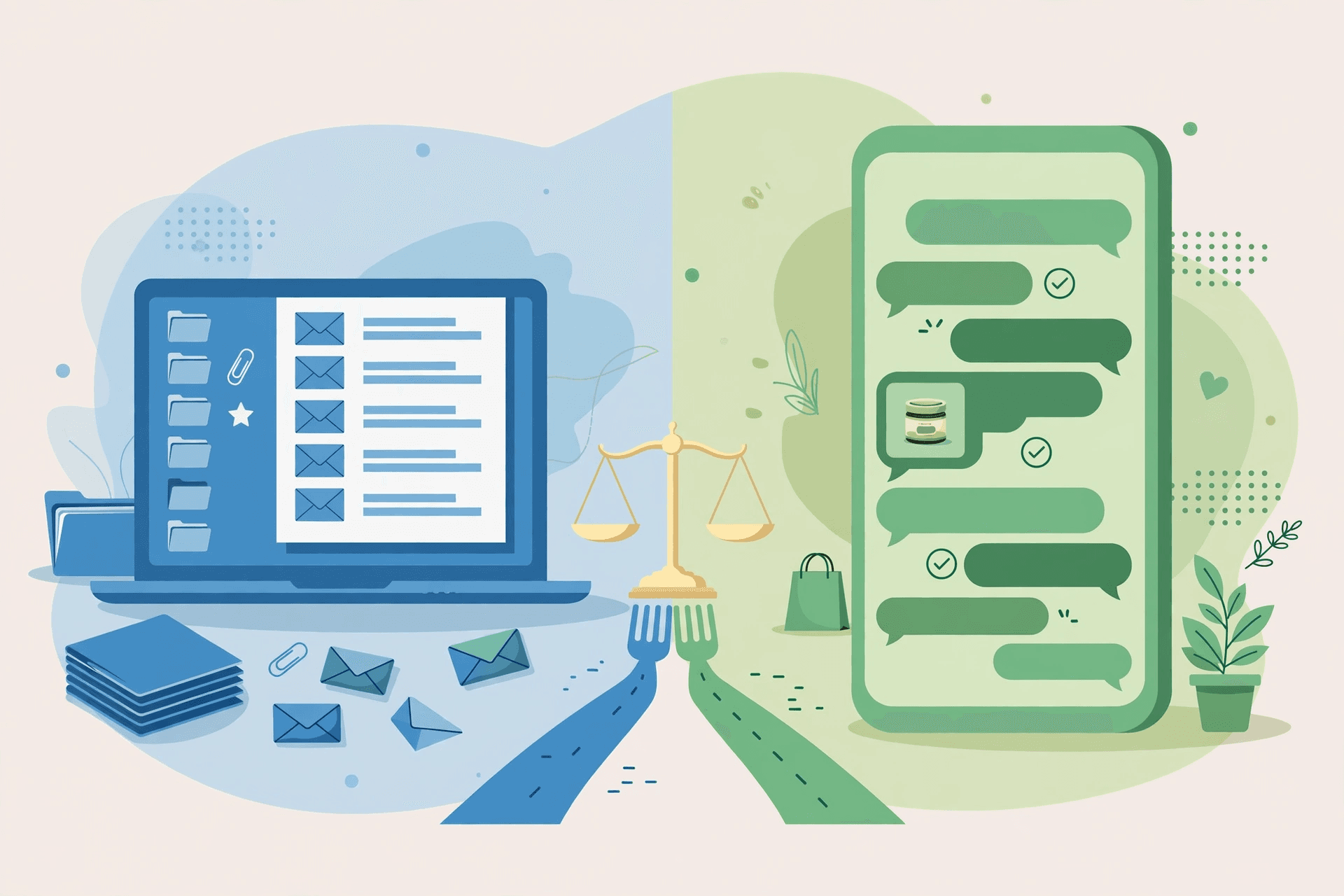
WhatsApp vs email marketing is not a contest between two messaging apps. It is a choice between two rooms your customer lives in: the inbox, where messages wait to be filed, searched, and answered when there is time; and the chat window, where a message expects an answer now. Email has been the default business channel for decades because it is a record — searchable, forwardable, attachable. WhatsApp earns its place because it is a conversation — immediate, personal, and carried on the phone your customer already checks. The businesses that get this decision wrong usually pick one channel and force every job through it. This comparison works through the five things that actually separate them — where a message lands, what it can carry, how automation works, what it costs, and which jobs each one still owns — so you can give each channel the work it is good at instead of asking either one to do everything.
Two different rooms: the inbox and the chat window
Start with what the customer experiences, not what the tool does. An email arrives in an inbox that the customer controls: folders, filters, search, and a delete key with no consequences. Nobody owes a business a reply to an email, and nobody feels rude for reading one three days late. That is a strength and a weakness at once. The inbox tolerates long messages, careful wording, and attachments — and it forgives being ignored.
A WhatsApp message arrives in a chat window, next to messages from family and friends. It carries the sender's name and photo, a read receipt, and the social expectation of a reply. That is why it gets attention — and why it must be used sparingly. A chat window is not a filing cabinet. Customers do not search it for last month's invoice, and they do not want a newsletter in it. The first mistake in the WhatsApp vs email marketing debate is treating the two as interchangeable delivery pipes. They are different rooms with different manners, and a message that belongs in one feels like an intrusion in the other.
Deliverability: the spam folder vs the template queue
Email's deliverability problem is filtering. A message can be sent successfully and still never be seen: caught by a spam filter, sorted into a promotions tab, or buried under a hundred other unread messages. You can measure delivery — the mail server accepted it — but you cannot measure whether a human ever looked at it, and the sender has almost no control over which folder it lands in. The inbox is open to everyone, which is exactly why it is guarded.
WhatsApp's deliverability problem is permission. A marketing message cannot be sent at all until the customer has opted in and the message template has been approved, and once a customer replies, the business has a 24-hour window for free-form messages. That sounds restrictive, and it is — deliberately. The restriction is what keeps the chat window readable: because businesses cannot blast it, customers still open what arrives. So the honest comparison is not which channel delivers more, but which kind of failure you would rather manage: email's silent filtering, where you never know a message was missed, or WhatsApp's explicit rules, where you know in advance what you are allowed to send.
The WhatsApp side of those rules — opt-in, template approval, and the 24-hour window — is explained in the 24-hour window guide and the message templates guide.
What a message can carry — and what a reply looks like
Here the comparison flips from what most people expect. In a contest with SMS, WhatsApp is the rich channel. Against email, it is the constrained one. An email can carry a full quote with line items, a PDF contract, a formatted invoice, a product catalogue, and a signature with every contact detail — all in one message that the customer can search for six months later. No chat app matches that. Email is the channel for anything that needs to be kept, printed, forwarded to a colleague, or filed.
What WhatsApp carries instead is a live thread. A customer asks a question and gets an answer in the same conversation, with the order, the product photo, and everything they said before already on screen. They can reply with a photo of the faulty item, tap a button to confirm a booking, or send a voice note when typing is inconvenient. An AI agent can answer inside that thread from your own documents — prices, policies, opening hours — without the customer ever leaving the chat. Email can do none of that quickly, because every reply starts a new round of waiting. So the rule is simple: if the message is a document, send email; if the message is a conversation, use WhatsApp.
Automation works differently on each channel
Email automation is a sequence: a welcome series, a nurture drip, a win-back flow, each message scheduled days apart and written in advance. It is excellent for slow, planned journeys — onboarding a new customer over two weeks, reminding them about a renewal, teaching them how to use what they bought. The automation runs on a calendar, and nobody expects an instant reply.
WhatsApp automation is a reply in the moment. A customer messages at 9pm about a delivery, and an AI agent answers from your policies in seconds — then hands over to a human when the question needs one. That is a different kind of automation: not a scheduled sequence but a standing answerer. It is worth saying plainly what it is not. WhatsApp automation is not a newsletter machine. Marketing messages need opt-in and an approved template, and Neksio is not a bulk or broadcast tool: it handles 1:1 replies to customers who message you, and approved template messages to customers who opted in — order updates, reminders, and follow-ups they asked for. Any tool that promises to blast marketing messages to a WhatsApp list is promising to get your number restricted.
How opt-in follow-ups are meant to work is covered in the follow-up sequences guide, and the line between a follow-up and a broadcast in the broadcast rules guide.
The cost structure, worked out
Email looks free and WhatsApp looks expensive, until you count the hours. Sending an email costs next to nothing per message — the bill is the time a person spends writing replies, chasing threads, and re-answering the same five questions. WhatsApp has a visible per-message cost from Meta, on top of the platform that runs the agent — but a large share of the routine questions never reach a human at all. The unit that matters is not cost per message sent; it is cost per customer question resolved.
Illustrative example: 500 customer questions a month
Take a small business receiving 500 customer questions a month — order status, opening hours, prices, delivery times. The figures below are illustrative, for the method only; replace them with your own rates before deciding anything. By email, suppose a team member spends an average of 4 minutes per reply, at an illustrative $15 an hour: 500 replies is about 33 hours, or about $500 of staff time, plus a near-zero sending cost. On WhatsApp with an AI agent, suppose the agent resolves 60% of those questions without a human, and the remaining 200 take the same 4 minutes each: about 13 hours, or about $200 of staff time, plus Meta's per-message charges and the agent platform plan. The WhatsApp side has a bill email does not have — but the email side has 20 extra staff hours a month that the WhatsApp side does not. Which one is cheaper depends on your wage, your resolution rate, and Meta's rates in your market. Run it with your own numbers; the answer flips easily, and that is the point — the comparison is a calculation, not a slogan.
When email still wins
WhatsApp is the better conversation, but there are jobs it should never take from email. Anything that is a record belongs in the inbox: invoices, receipts, quotes, contracts, warranties, and terms. A customer who needs to prove what they paid, forward a quote to a partner, or find last year's order will search their email, not scroll a chat. Long-form content belongs there too — a proper onboarding guide, a price list with twenty items, a newsletter worth reading at leisure. And email is the channel that reaches people who are not on WhatsApp, or who keep business strictly in the inbox. A business that moves everything to chat loses its paper trail and a slice of its audience in one move.
Email also wins the jobs where timing does not matter and attention is optional. A monthly newsletter, a product announcement, a seasonal offer — messages the customer is happy to read on Tuesday even if they arrived on Sunday — fit the inbox, where they can wait without offending anyone. The same message in a chat window feels pushy, because the chat window is where urgent things live. Matching the message to the room is the whole skill: send the patient messages to the patient channel.
The hybrid setup most small businesses actually run
Almost no business that chooses well ends up on one channel. The working split is a routing rule, not a preference, and it looks like this:
- Email owns the record: invoices, receipts, quotes, contracts, onboarding documents, and the monthly newsletter.
- WhatsApp owns the conversation: questions before a purchase, order updates the customer asked for, booking confirmations, delivery problems, and support that needs a photo or a quick back-and-forth.
- Email owns the slow journey: the welcome series, the renewal reminder, the how-to sequence after a purchase.
- WhatsApp owns the urgent moment: the appointment reminder the day before, the delivery that needs a gate code, the question asked an hour before closing.
- Both point at each other: the WhatsApp thread can say 'your invoice is in your email', and the email can say 'reply on WhatsApp for a faster answer'.
That last rule is the one that makes the pair work. The channels are not rivals; they are a front counter and a filing cabinet in the same shop. Customers who get a fast answer on WhatsApp and a proper invoice by email do not ask which channel your business chose — they just come back.
Run the comparison on your own customers
Do not settle this question with an article — including this one. Settle it with a small, honest test that respects what each channel is for. Pick one job that could go either way, such as appointment reminders or order updates, and run it on both channels for a month to comparable customers. Measure what matters: how many customers acted, how many replied with a question, how many minutes your team spent, and how many complaints each channel produced. Judge email on the replies it earns over a week, not an hour — its answers arrive slowly. Judge WhatsApp on the conversations it resolves, not the messages it sends. And keep the record jobs out of the test entirely: invoices and contracts stay on email whatever the test says, because that is not a contest WhatsApp can win.
What WhatsApp costs to run on Neksio
On Neksio, the Free plan covers 100 AI replies a month on WhatsApp — enough to test the chat side of this comparison on your own customers instead of trusting this article's illustrative numbers. Starter at $17.99 a month covers 5,000 replies, Growth at $24.99 a month covers 15,000 replies and adds Facebook and Instagram, and Scale at $49.99 a month is unlimited replies with your own key, plus done-for-you onboarding. Meta's per-message charges sit on top of the plan, at Meta's rates for your market. Your email tool stays yours — Neksio does not replace your inbox, it adds the chat window next to it. No plan needs code, every plan runs on the official WhatsApp API, and no plan sends bulk messages.
100 AI replies a month on WhatsApp, no credit card. Answer real customer questions in chat while email keeps the records, and let your own month of data settle the WhatsApp vs email question. Full detail on the pricing page.
Frequently asked questions
- Should I replace email with WhatsApp?
- No. Replace the jobs WhatsApp does better — live questions, order updates, bookings, support that needs a photo — and keep email for the jobs it owns: invoices, receipts, quotes, contracts, onboarding documents, and newsletters. Most small businesses run both, with email as the record and WhatsApp as the conversation.
- Is WhatsApp better than email for customer service?
- For live service, yes: a customer asks and gets an answer in the same thread, with the order and conversation history on screen, and an AI agent can resolve routine questions in seconds. For anything that needs a paper trail — a quote, a complaint in writing, a warranty claim — email is still the right channel, because it is searchable and forwardable months later.
- Can WhatsApp send newsletters like email?
- Not in the way email does. WhatsApp marketing messages need customer opt-in and an approved template, and there is a 24-hour window for free-form replies — it is a conversation channel, not a broadcast list. Neksio is not a bulk tool: it handles 1:1 replies and approved template messages to opted-in customers only. Newsletters, announcements, and long-form content belong in email.
- Which channel is better for invoices and order confirmations?
- Email for the invoice itself — it is a record the customer can search, forward, and file. WhatsApp for the confirmation that something happened: 'your order shipped, the invoice is in your email.' That split gives the customer the speed of chat and the paper trail of the inbox at the same time.
- Do I still need an email list if I use WhatsApp?
- Yes. An email list is the one audience you own outright, it reaches people who are not on WhatsApp, and it carries the long-form messages — newsletters, onboarding, announcements — that do not belong in a chat window. WhatsApp adds a faster conversation on top of the list; it does not replace it.
- What does WhatsApp cost on Neksio?
- Free covers 100 AI replies a month on WhatsApp. Starter is $17.99 a month for 5,000 replies, Growth is $24.99 for 15,000 replies plus Facebook and Instagram, and Scale is $49.99 for unlimited replies with your own key and done-for-you onboarding. Meta's per-message charges are separate, at Meta's rates for your market.